Community catalog intake
Submit a New or Missing Item
Upload a clear in-game item tooltip screenshot. The submission is OCR-assisted, but nothing is published automatically: you review the extracted data first, then the item enters Urgar's review queue for a final catalog import.
Note: Ranked up items' stats are automatically converted to base rank zero stat values by this tool, so feel free to upload screenshots of +4 items.
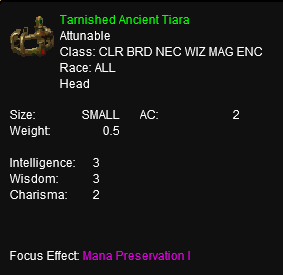
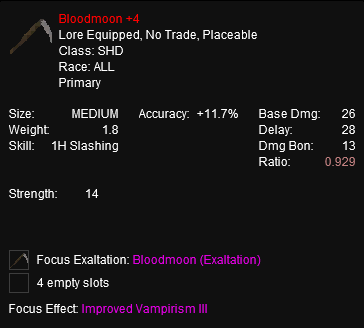
Item screenshot
Review parsed item data
Please correct any mistakes using the Edit buttons below. Your approved item data will be saved for Urgar's review; it will not change the live item catalog automatically.
Choose an item icon (optional)
Choose an existing icon if it matches your item. You can skip this and Urgar will find the appropriate icon during final review.
Browse existing item icons
Item Submission Complete!
Thank you for being awesome and supporting the EQ Legends Tools community!
This item should appear on the website within 24 hours.